

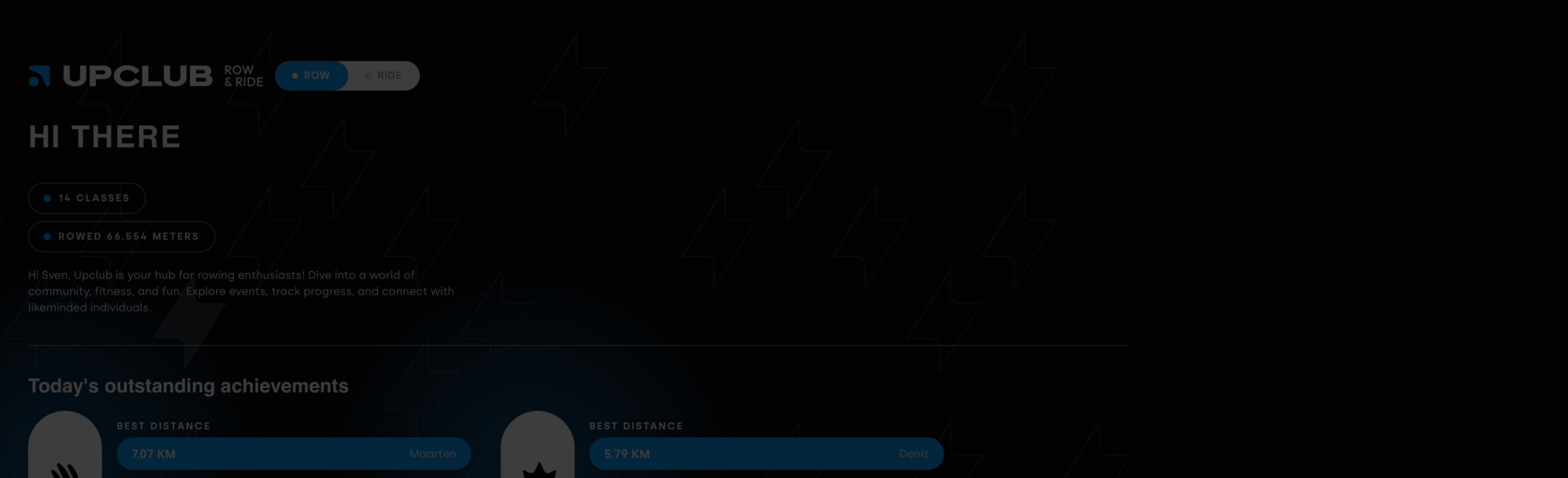
Booked directly with Upclub before?
If you’ve booked with us directly before April 29, click Log In, choose Forgot Password, and reactivate your Members Area account by setting a new password. Use the same email address as your Upclub Booking Account so your previous data can be restored.
Booking directly with us for the first time?
If you’re new to Upclub and booking directly, click Register to create your Members Area account and start tracking your data. Use the same email address as your Booking Account to make sure everything syncs correctly.
Booking via ClassPass or Urban Sports?
You can also click Register to review your class performance, including distance, peak Watts, average Watts, as well as the class average and your ranking. More detailed insights and historical data are available to members who book directly through our website.
In the studio
When choosing your rower or bike, scan the QR code and log in with your Members Area Account to connect your workout and save your data. No account yet when scanning? You can also create or reactivate your account (the above steps) on the spot. Don’t want to track your data? Just simply click skip on the tablet.
Questions?
Check out our guide and FAQ for everything you need to know about the new booking system HERE.
